The plain-English website builder
Build something brilliant. Skip the click marathon.
Tell Laizie what you want in everyday language. In the usual AI-edit flow, it prepares a proposal you can review before publishing. Your site lives on your host, and your files stay yours.
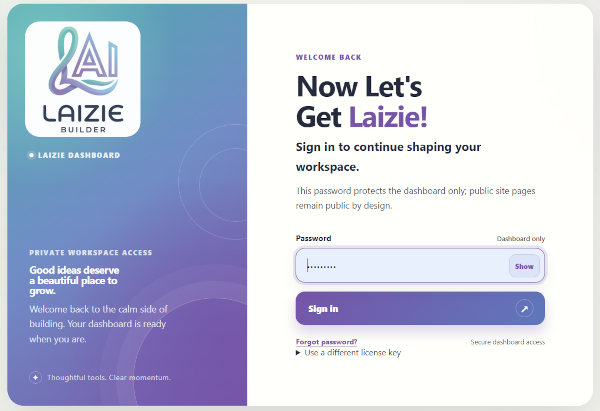
Screen 01 — Sign in
Welcome back to the workshop.
Sign in to the Laizie Builder dashboard and get straight to shaping your site. The public website and the private workspace are two different things—nice and clear.
Screen 02 — AI models
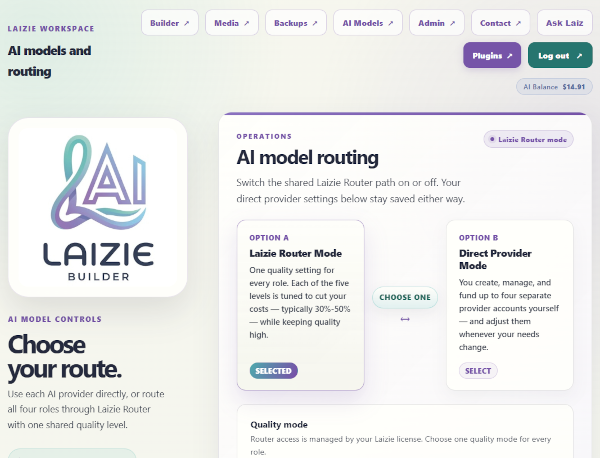
Pick your AI lane. Keep your hands free—or on the dials.
Let LaizieRouter route each role’s work, or use Direct Provider Mode and choose the models yourself. The Builder roles cover web design, development, content, and graphics.
Web Designer · Developer · Content · Graphic Designer
Screen 03 — Web Page Builder
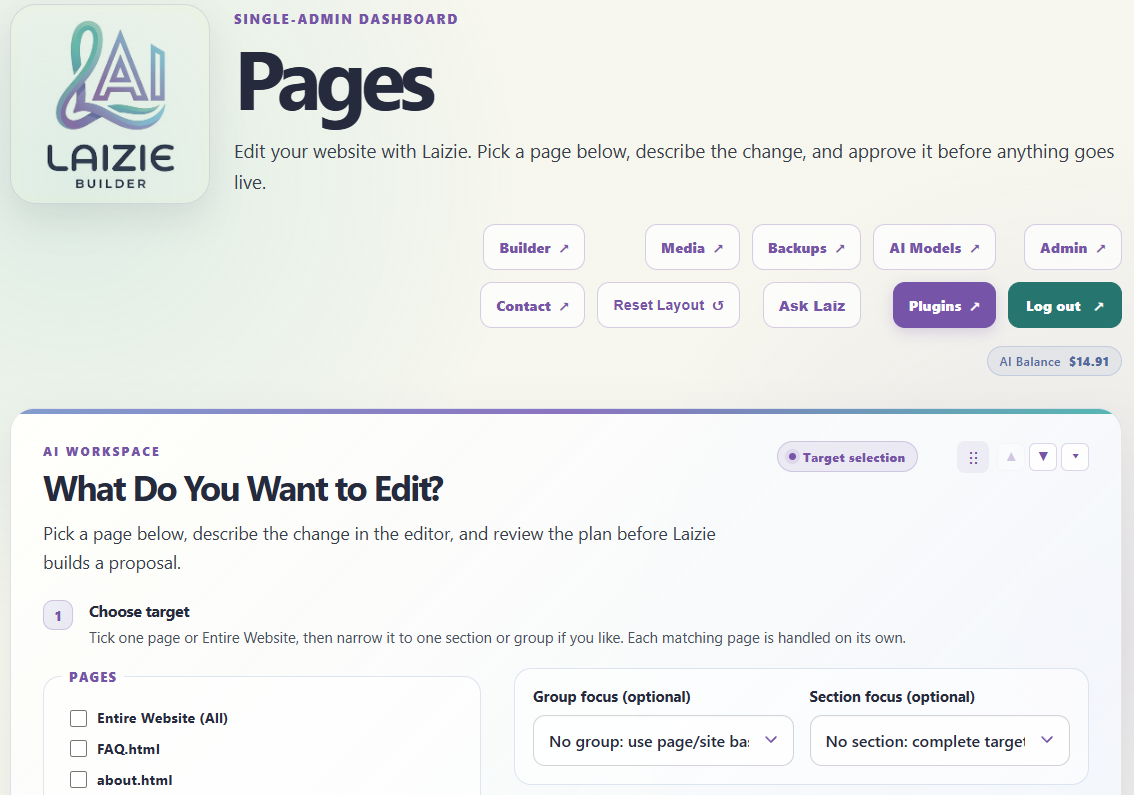
Describe the change. Skip the CSS scavenger hunt.
Choose a page or target, explain the result in plain English, and let Laizie prepare a proposal. In the usual AI-edit flow, review the visual preview or code diff, then approve or reject it.
Manual and advanced direct-save paths work differently from the usual proposal-and-review flow.
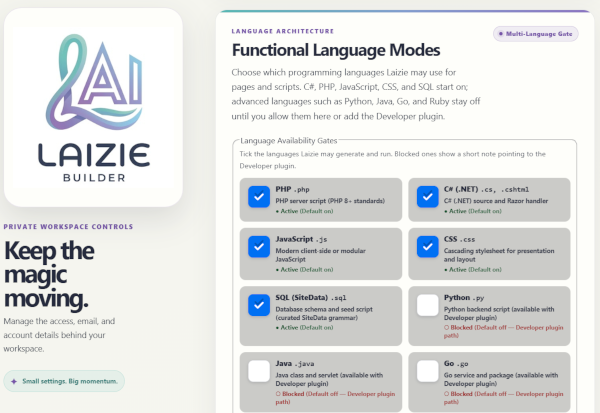
Screen 04 — Admin
The knobs live backstage.
Admin keeps workspace controls together—things like access, AI routing, and contact or email settings. It’s separate from the public pages visitors come to see.
Your site. Your rules.
Your host. Your files. No landlord.
Laizie Builder is distributed: a folder of PHP you can copy to hosting you choose. It writes ordinary HTML straight to disk. You own the host, the domain, and every file—and if you remove Laizie later, your site keeps running as it did.
Your next brilliant idea starts here
Ready to get Laizie?
Stop clicking 47 times to change a footer. Describe it. Approve it. Done.
Do it the Laizie way.